Three steps
Tap the mic
On the + menu, or on any list. A timer shows how long you’ve been talking.
Watch the words
Your words appear as you speak, written by your phone itself.
Check and save
You see the event, the change or the items first. Nothing changes until you tap.
Made for real family life
Add an event
“Swimming for Mia on Saturday at 4 at City Pool” becomes an event with the time, the place and who it’s for.
Change one by voice
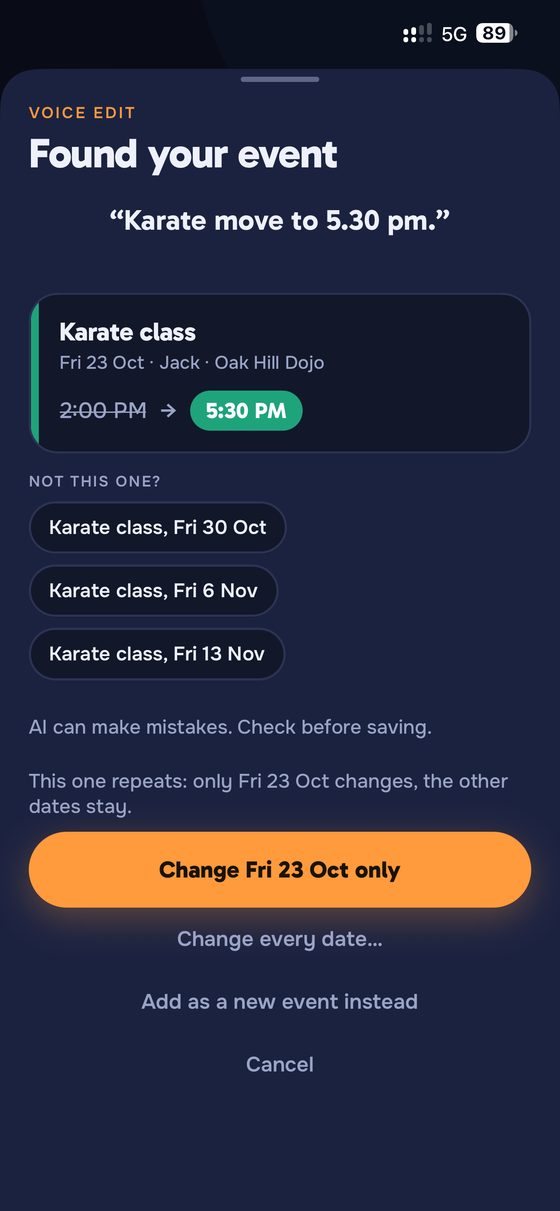
“Karate moved to 5:30” finds the class and shows a before and after. For a weekly class, only that date changes, unless you choose every date.
Cancel one date
“Cancel karate this Thursday” skips that date and keeps the rest of the class.
A whole shopping list
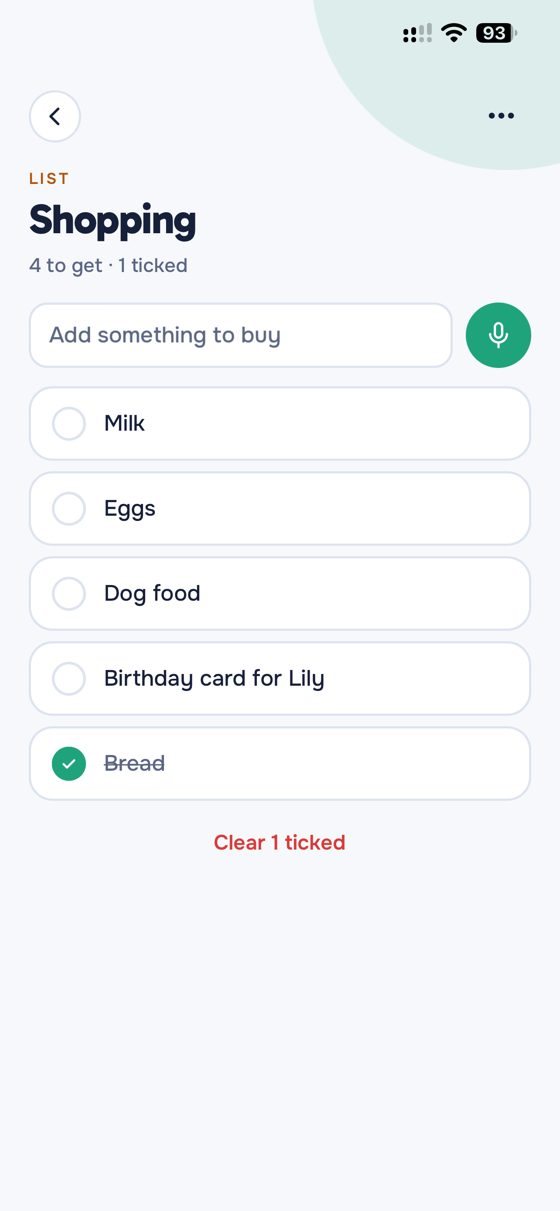
Open a list, tap the mic and say “milk, two loaves of bread and eggs”. Each thing becomes its own item, with the filler words left out.
Add to a list from anywhere
“Add sunscreen to the packing list” puts it on the right list.
Several classes at once
“Swimming for Mia on Sunday and Tuesday, and for Sam on Thursday at 5” becomes a weekly class for each child.
On most phones your words are turned into text by the phone itself, so the recording never leaves it and isn’t kept. On phones that can’t do that, and only if you’ve allowed the reading service, the recording is sent to be written out and deleted straight after.
Good to know
Do I need to say it in a special way?
No. Say it the way you’d tell someone: the day, the time, who it’s for and where. Whatever it hears, you can change before saving.
What if it picks the wrong event?
It shows the event it found with the others it could be, so you can pick the right one, or add it as a new event instead.
Is my voice recorded or kept?
On most phones nothing is recorded at all: the phone writes your words as you speak. Nothing you say is kept or used to train AI.
Which languages?
English for now.
Your family’s plans, in one happy box.
Start with a free trial. Everything stays on your phone unless you choose to share it.
Get the app