Three steps
Add a birthday
On the Family screen, tap a person and Add birthday.
Share the invitation
Paste the party message or snap the card.
Reminders do the rest
A week before, on the day, and a reminder to reply to the party.
Made for real family life
Every year, on its own
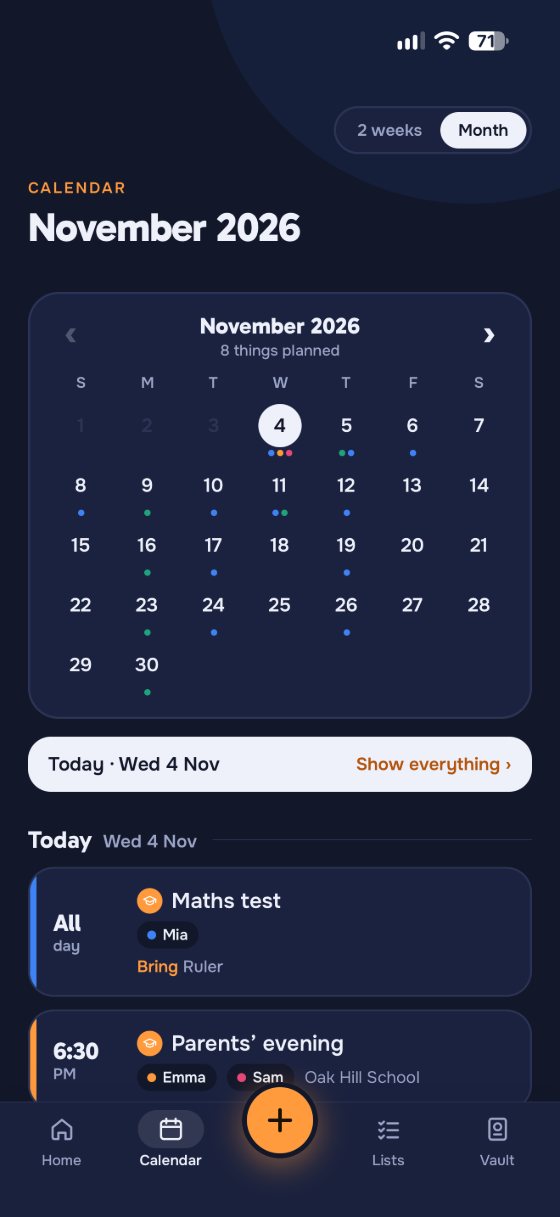
Birthdays repeat every year, with “Turns 8” on the card and in the reminder.
Birthdays coming up
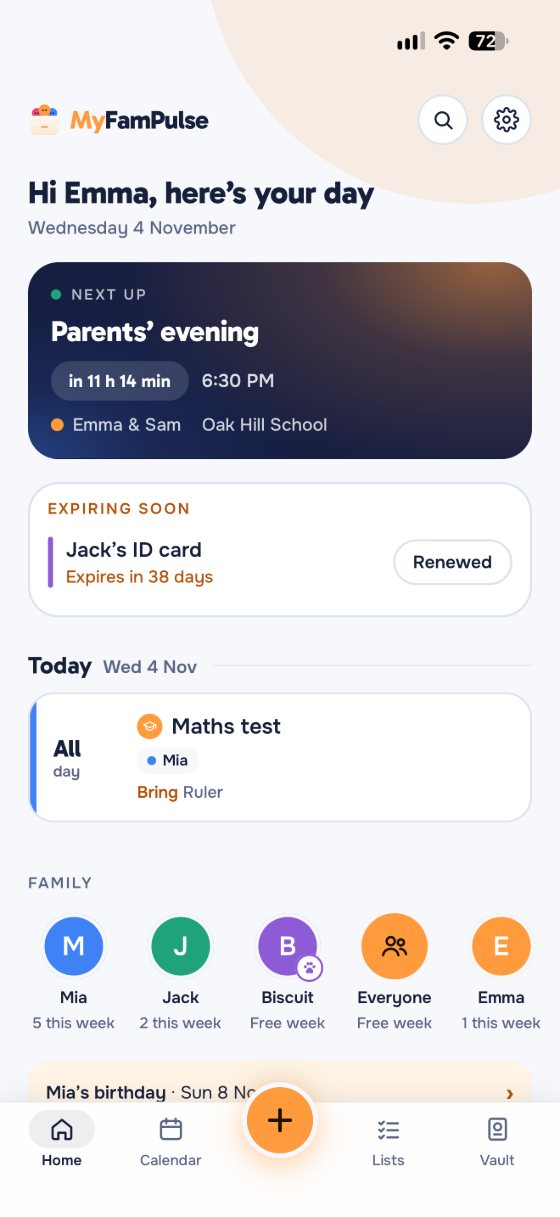
Home shows the next two weeks’ birthdays, so there’s time for a present.
Invitations read for you
The date, the start and end time, the place and the theme are found in the invitation.
Reply in time
“Reply by Thursday” becomes a reminder the day before, until you mark it replied.
What to bring
A present, or a costume when it’s a dress-up party, and nothing when it says no gifts.
Anniversaries too
Use the same category for anniversaries and other yearly days.
Birthdays are kept on your phone like any other event, and shared with your family only if you choose.
Good to know
What about 29 February?
In other years the birthday shows on 28 February.
Can it read a picture invitation?
Yes. Take a photo or share the picture, and check the details before saving.
Will the birthday child be added as a guest?
No. The child whose party it is isn’t ticked; you choose which of your children are going.
Your family’s plans, in one happy box.
Start with a free trial. Everything stays on your phone unless you choose to share it.
Get the app