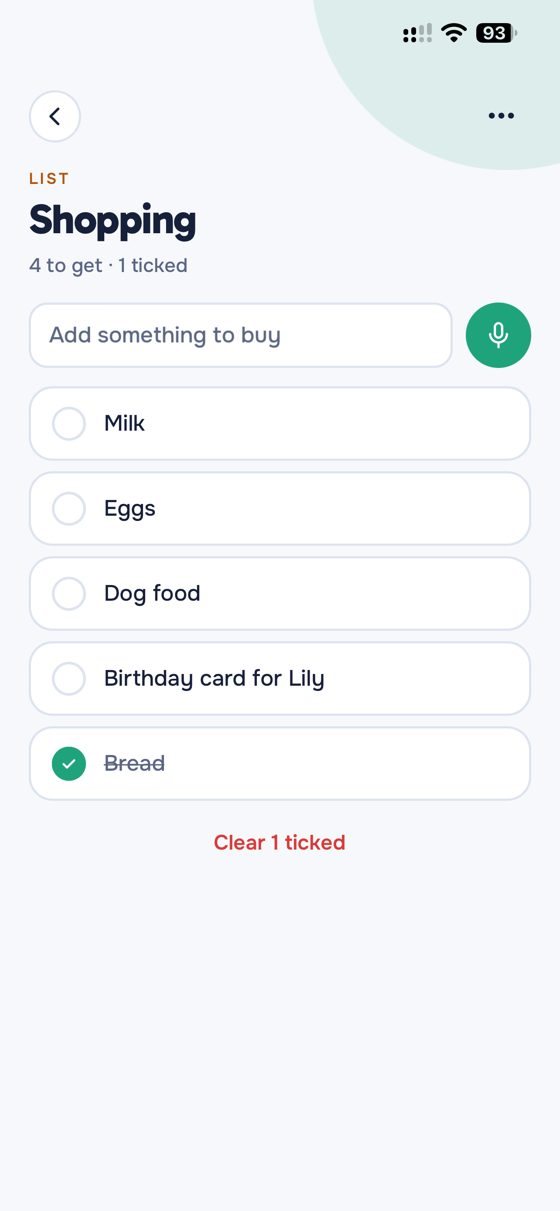
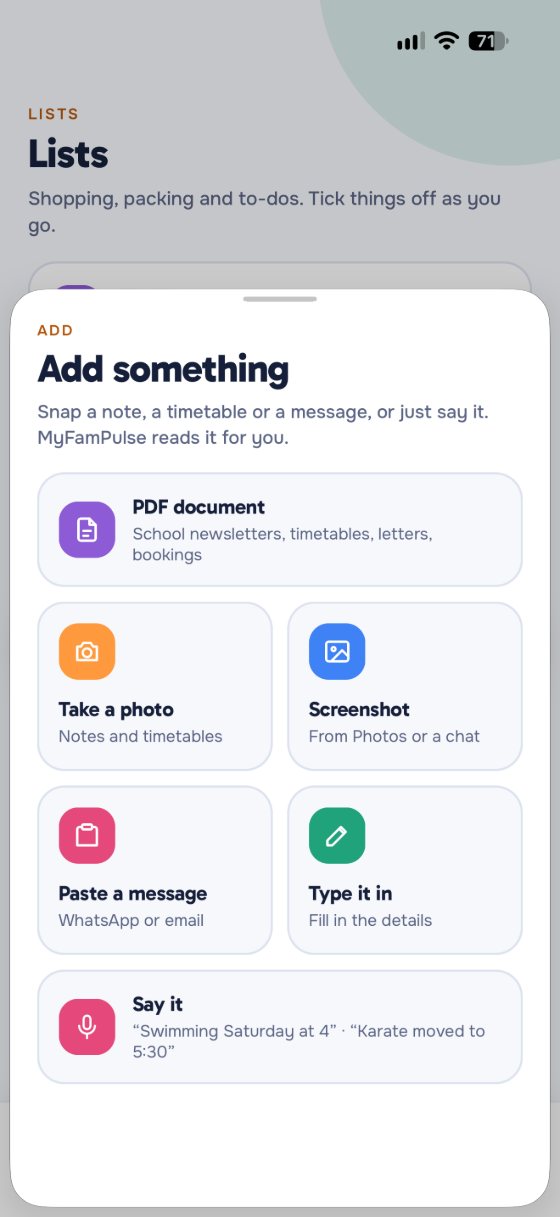
Three steps
Make a list
Shopping and To do are ready from the start. Add a packing list for a trip in two taps.
Add things
Type one per line, or tap the mic and say them all at once.
Tick and clear
Tap to tick, on any phone. Clear the ticked ones when you’re done.
Made for real family life
Shared with the family
Your partner sees every item and tick as it happens, with a small name beside what they added.
One notification, not ten
When someone adds things, the others get one notification for the round, like “Sam added 3 items to Shopping: milk, eggs, bread”. Ticking things off stays quiet.
Your choice of lists
Each phone chooses: all lists, shopping only, or no list notifications at all.
A whole list by voice
“Milk, two loaves of bread, eggs and mac and cheese” becomes four items, amounts kept.
From school straight to the list
On an event, “Add to a list” puts what to bring, like glue sticks and a calculator, on the list you pick.
A week of school things at once
A school week card has “Add all to a list” for everything the week needs.
For the nanny too
Mark a list as shared with your caregiver, and they can add and tick things too. They hear when you add to it, and you hear when they do.
On your Home Screen
On iPhone, a List widget shows what’s still on your Shopping, Packing or To do list, with who added each item, and a mic to add more.
Part of the app
Lists come with every family’s subscription and the free trial.
Lists stay on your phone until you share with your family; then they’re kept in our cloud database for your family’s phones only.
Good to know
Can we both edit the same list?
Yes. Everyone in the family can add, tick and change items, and it shows on every phone within seconds.
Do lists work offline?
Yes. Changes you make offline are sent when you’re back online.
Can I have more than one shopping list?
Yes. Make as many lists as you like, of any kind, and rename them.
Will I get a notification for every item?
No. Things added in one go arrive as one notification, and ticking things off never sends one. Choose all lists, shopping only or none in Settings › Reminders.
Your family’s plans, in one happy box.
Start with a free trial. Everything stays on your phone unless you choose to share it.
Get the app